HalfMoon Browser

読みたいのは
広告じゃない
Read the page.
Not the ads.

広告・ポップアップ・追従バナーを自動でブロックし、よく使う操作は画面の端から呼び出すダイヤルに集約。片手で使えて、静かに読める iPhone のためのブラウザです。 HalfMoon blocks ads, pop-ups and sticky banners automatically, and puts your everyday actions on a dial you call up from the screen edge. A quiet, one-handed browser built for iPhone.

v1.3.1iOS / iPadOS 16.0+無料(Pro は買い切り)Free (one-time Pro)

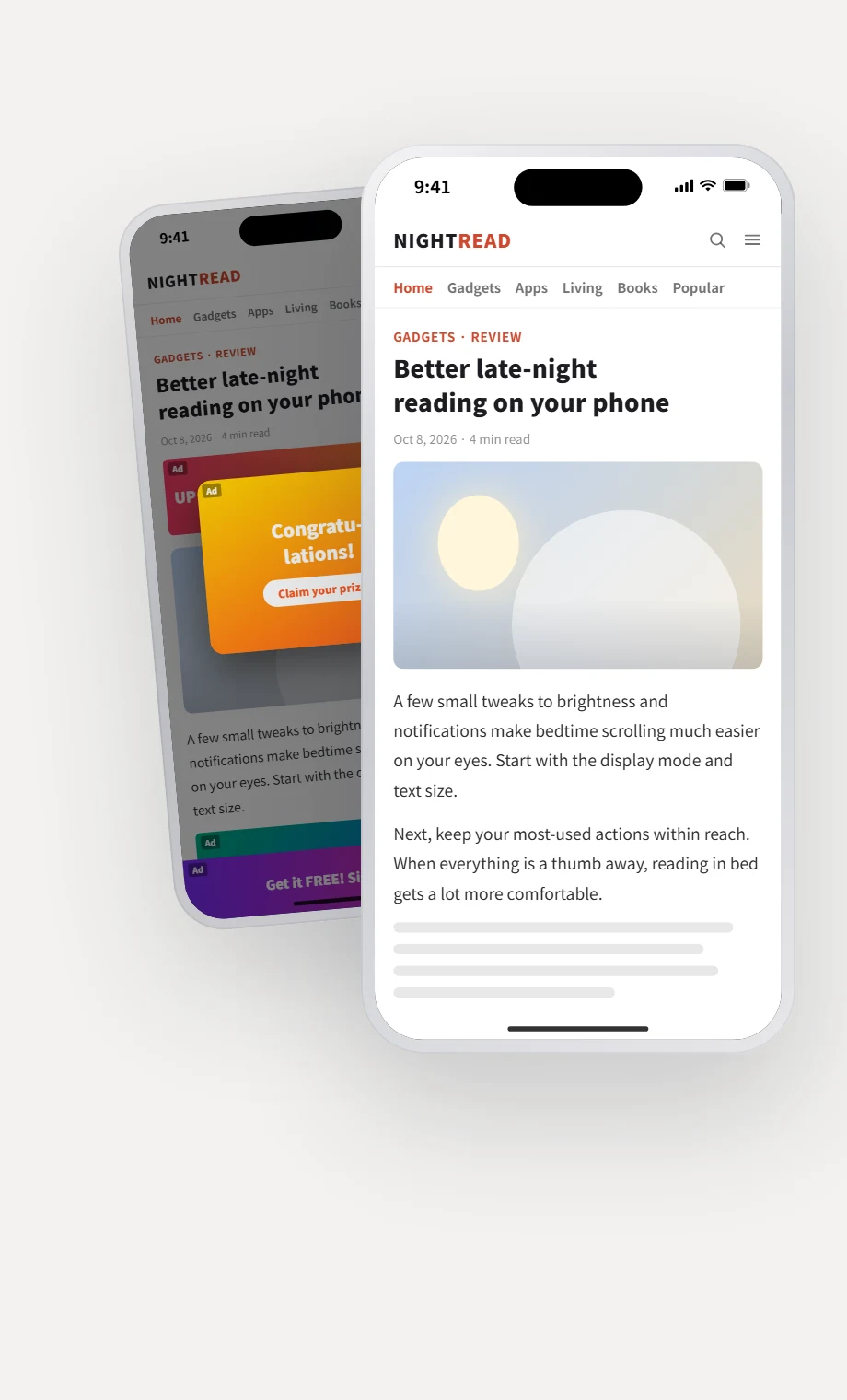
広告のないページと、片手で操作するダイヤルを表示した 2 台の iPhone Two iPhones showing an ad-free page and the one-hand dial
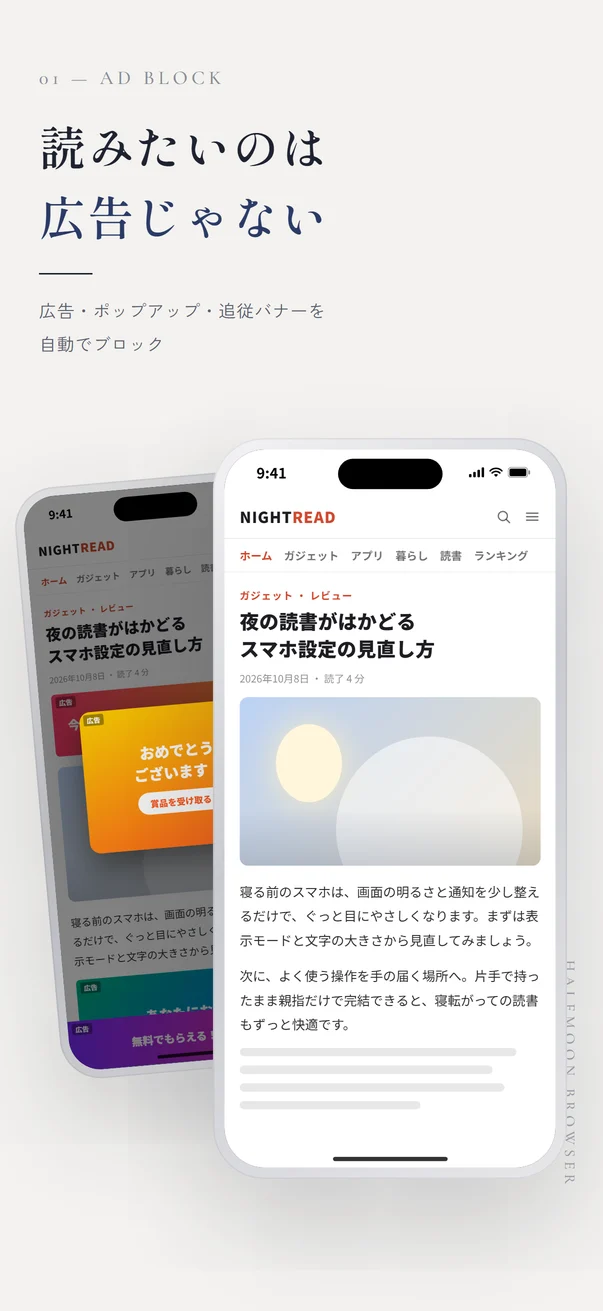
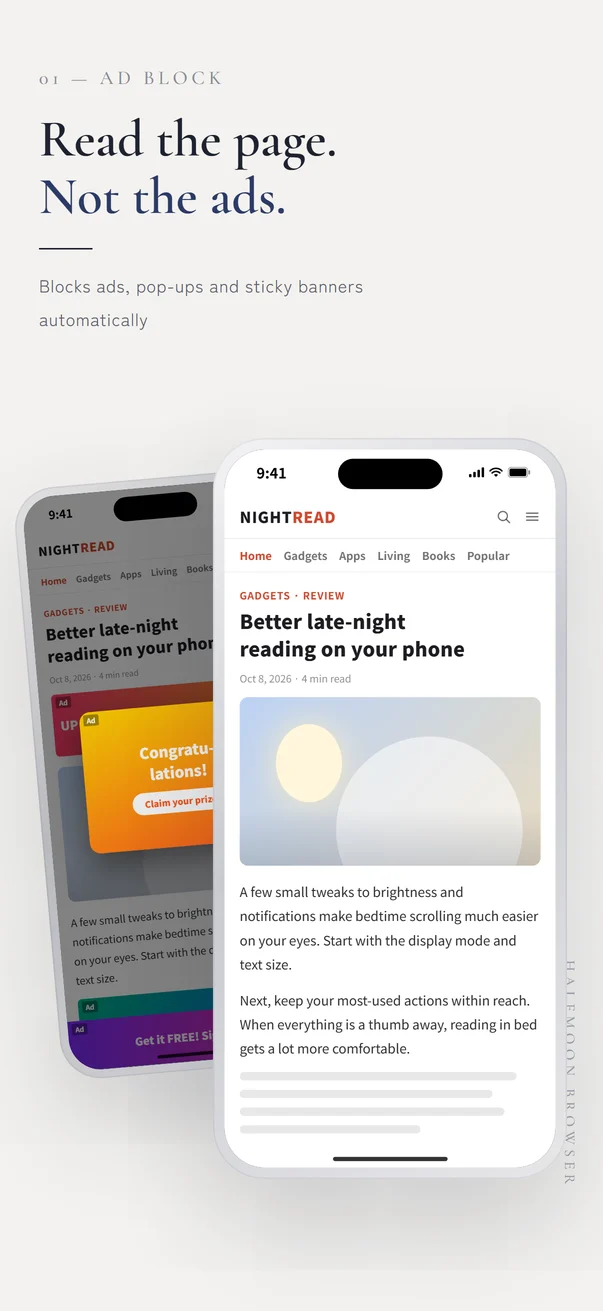
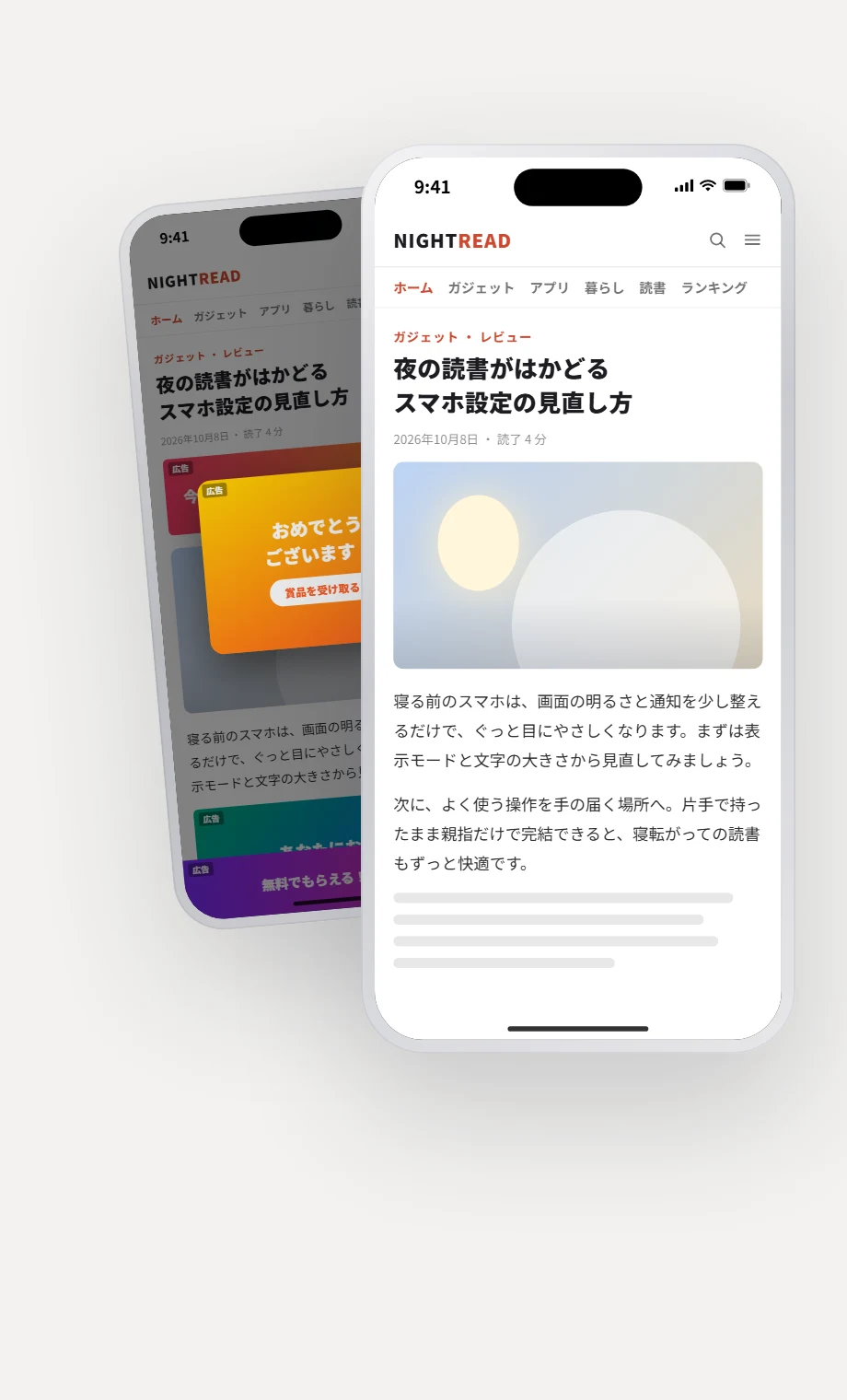
広告だらけのページと、広告のないページの比較 A page full of ads next to the same page without them

01 — Ad Block

読みたいのは
広告じゃない
Read the page.
Not the ads.

広告の配信先を通信の段階で止め、ページに残った広告枠は見えないように隠します。広告ブロックの利用を検知してページを壊すサイトにも対策しています。HalfMoon stops ad networks before they load and hides any ad slots left on the page. It also handles sites that try to detect ad blockers and break the page.

  • 広告・ポップアップ・画面に追従するバナーを自動でブロックAds, pop-ups and sticky banners are blocked automatically
  • 判定は端末の中だけで行い、閲覧の記録を送信しませんEverything runs on your device. No browsing records are sent anywhere
  • 応援したいサイトは、サイトごとにオフにできますTurn blocking off per site for the creators you want to support
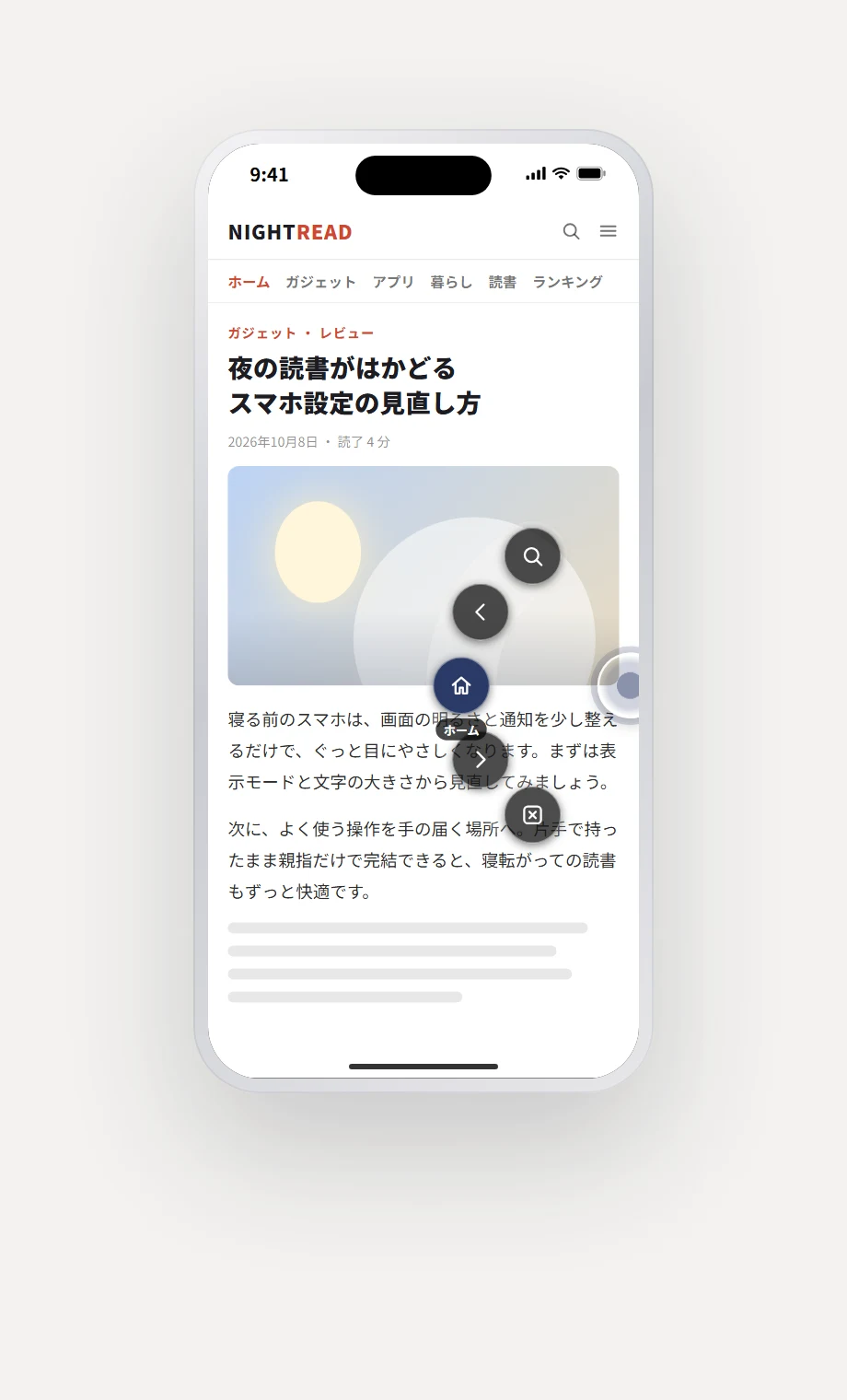
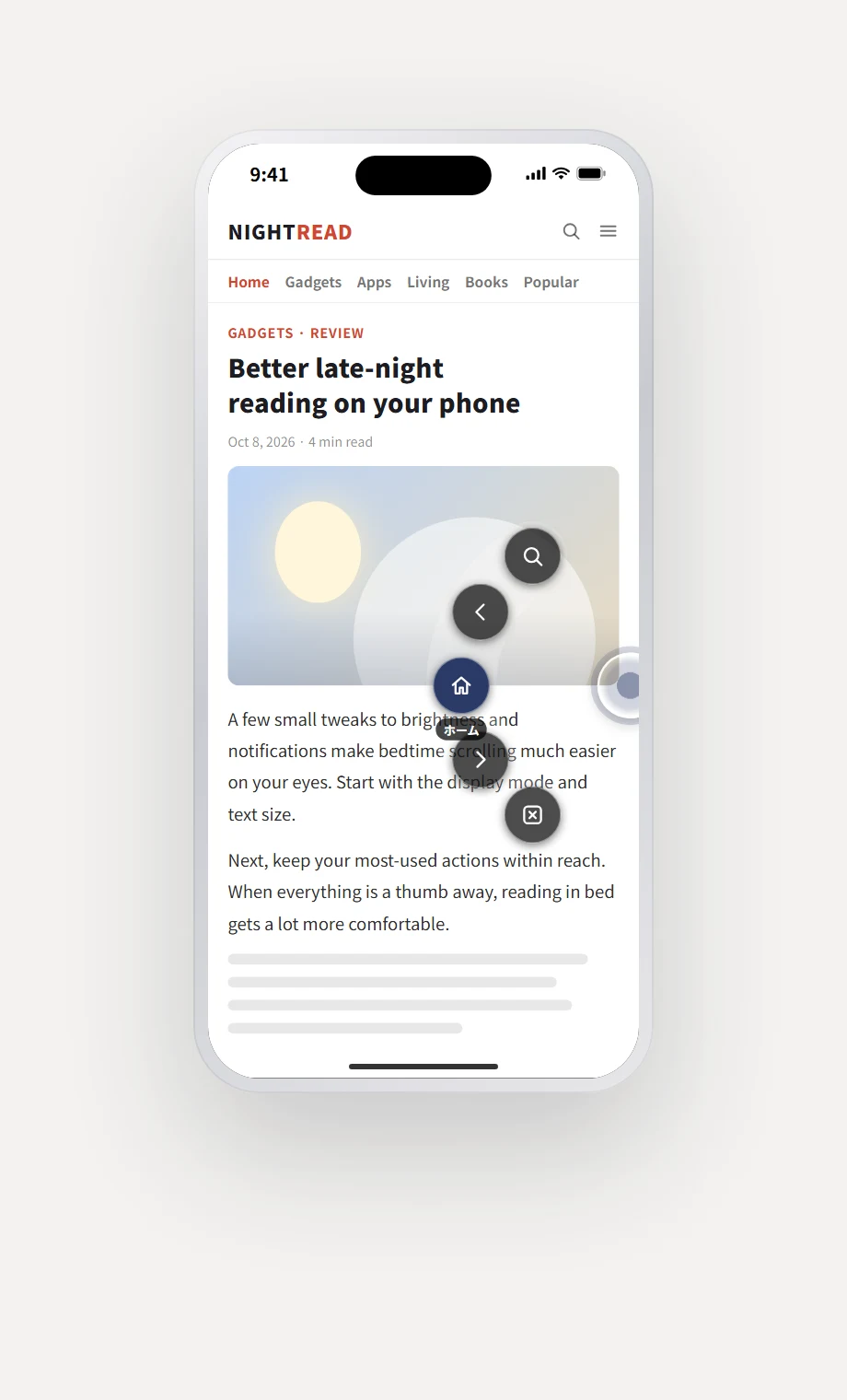
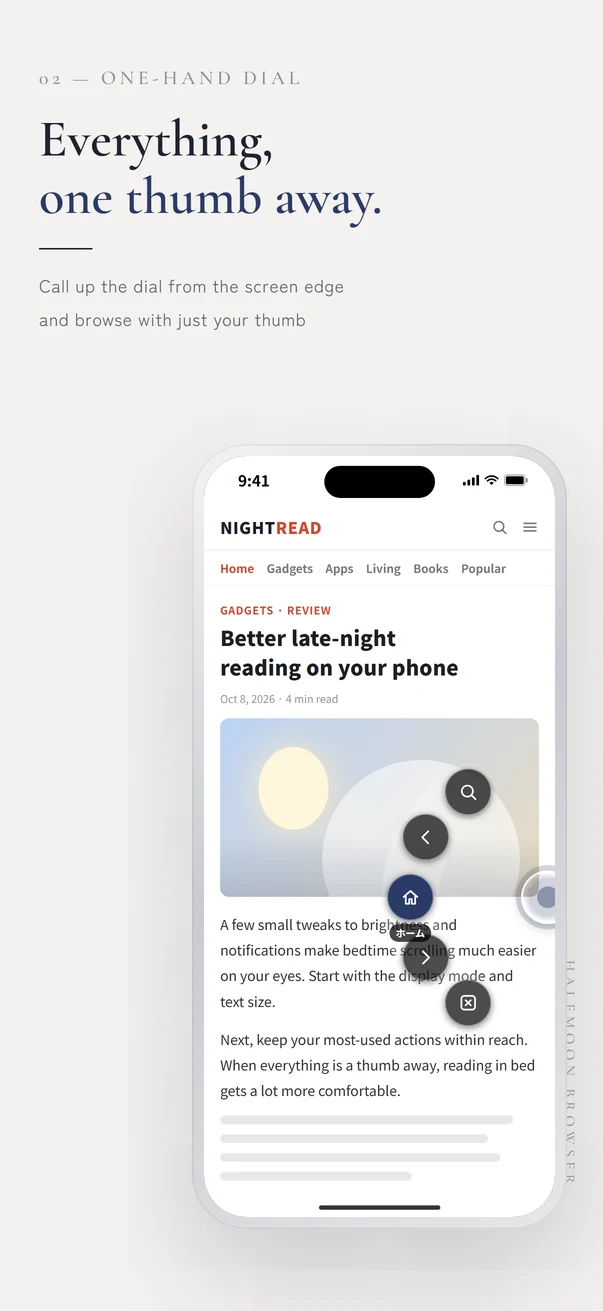
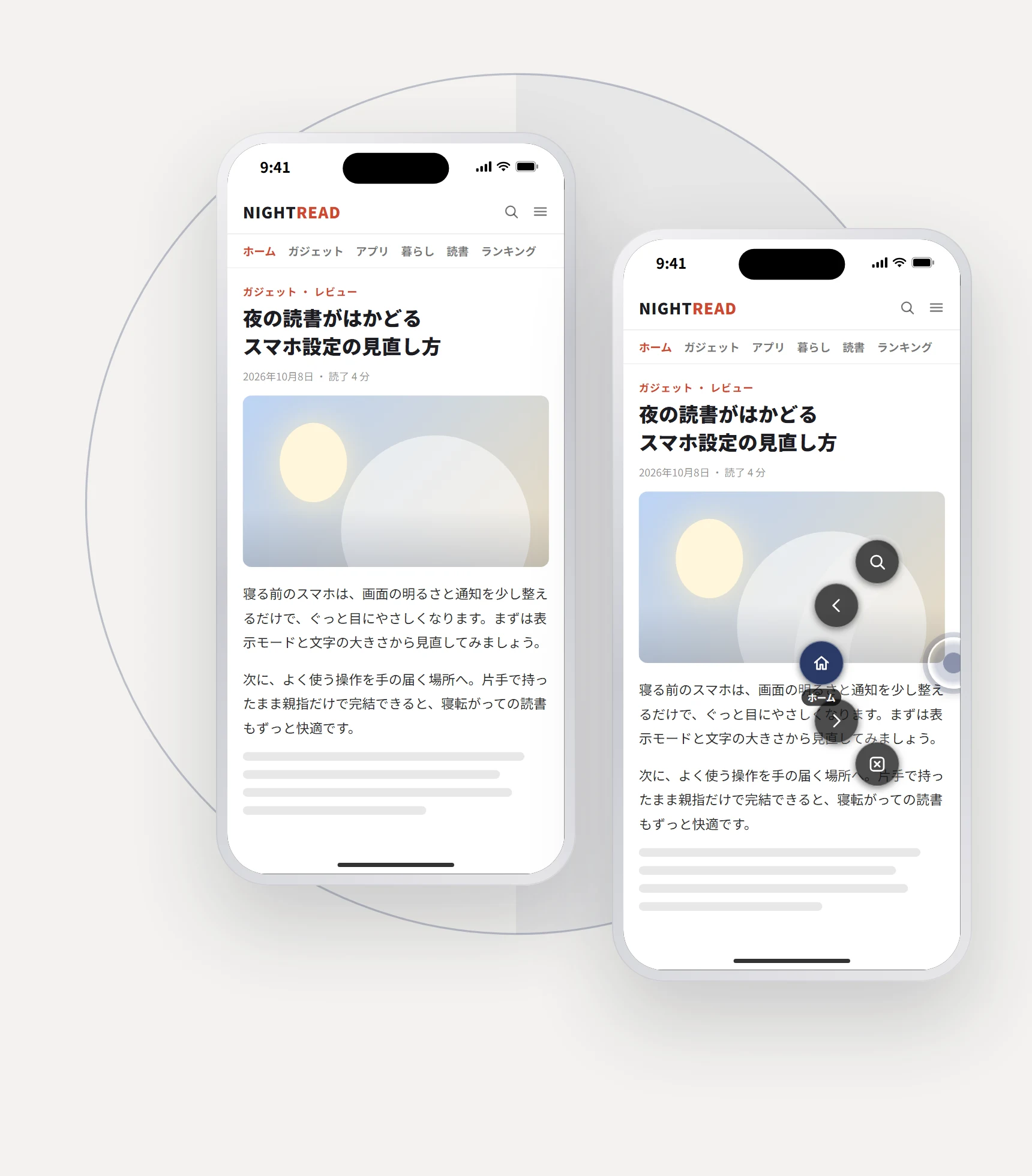
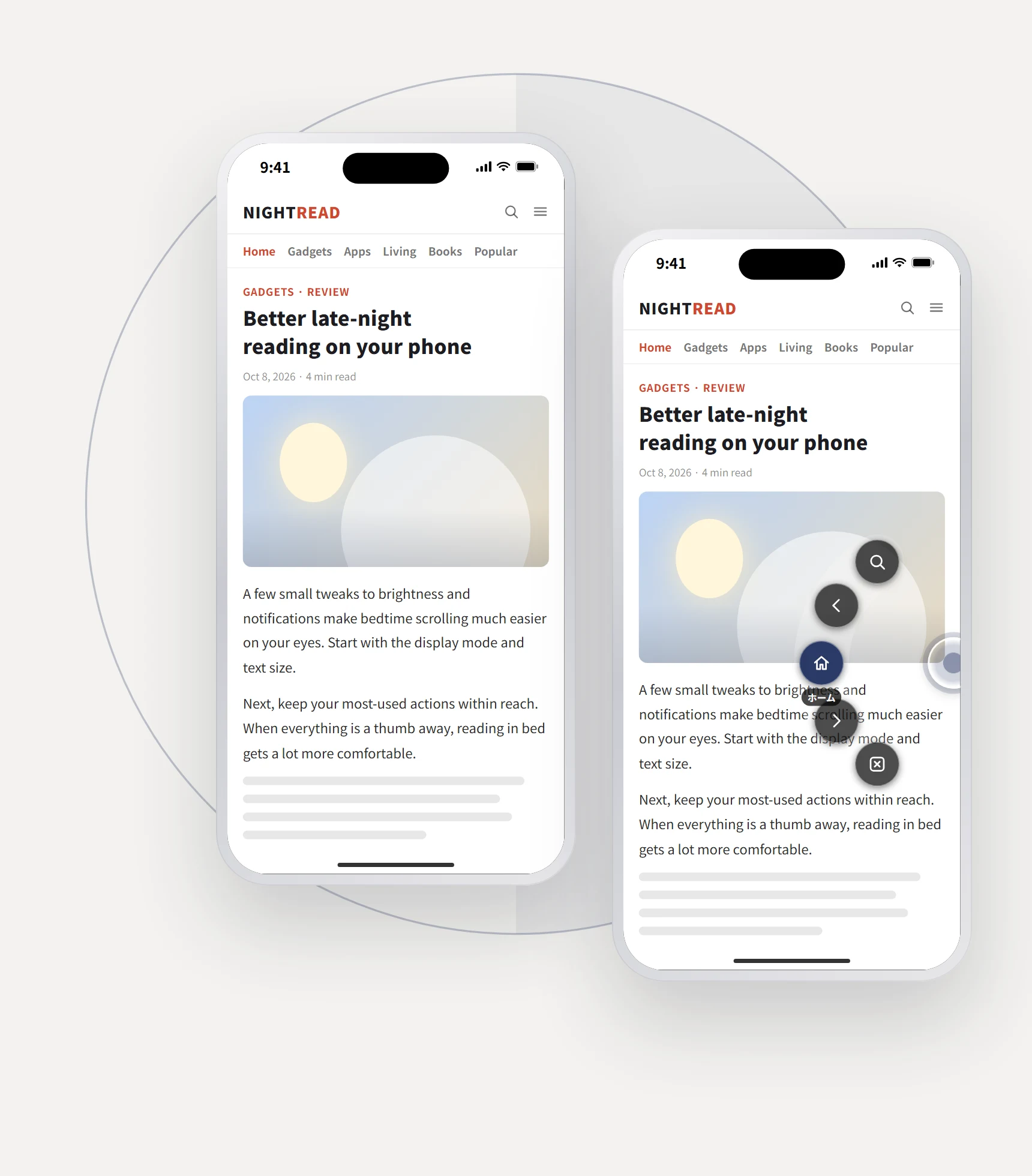
画面の右端から開いたダイヤル The dial opened from the right edge of the screen

02 — One-hand dial

片手で
ぜんぶ完結
Everything,
one thumb away.

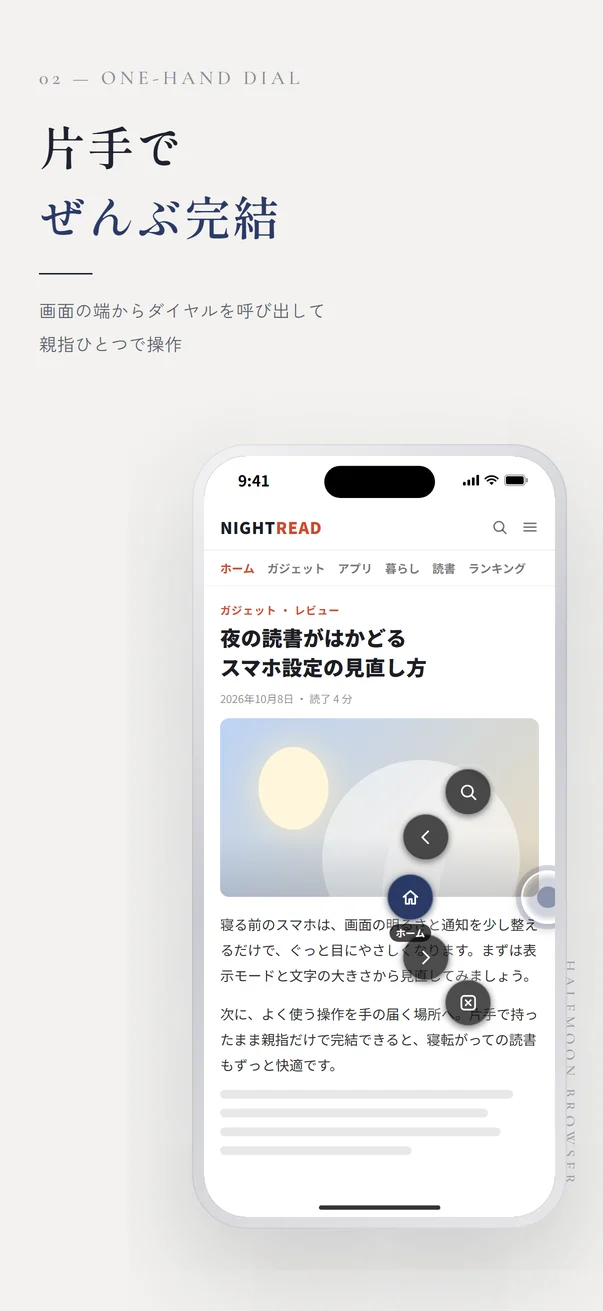
画面の端に親指を置くと、半月の形にダイヤルが開きます。指をすべらせて離すだけで、戻る・進む・検索・タブの操作まで。大きな iPhone でも持ち替えずに使えます。Rest your thumb on the edge and a half-moon dial opens. Slide and release to go back, go forward, search or manage tabs — no need to shift your grip, even on a large iPhone.

  • 左右どちらの端からでも呼び出せますCall it up from either edge
  • サブメニューで、さらに多くの操作を並べられますSubmenus hold even more actions
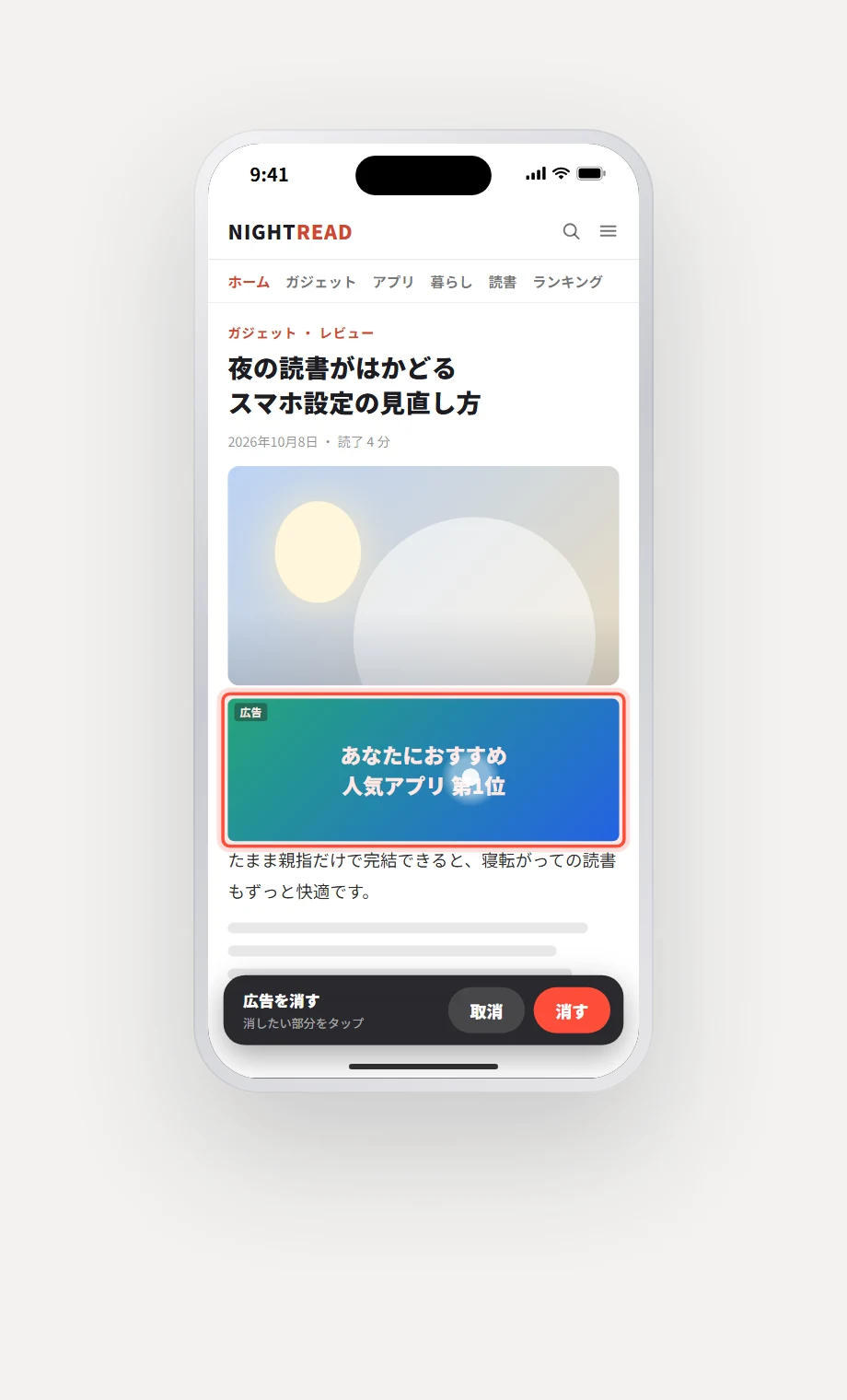
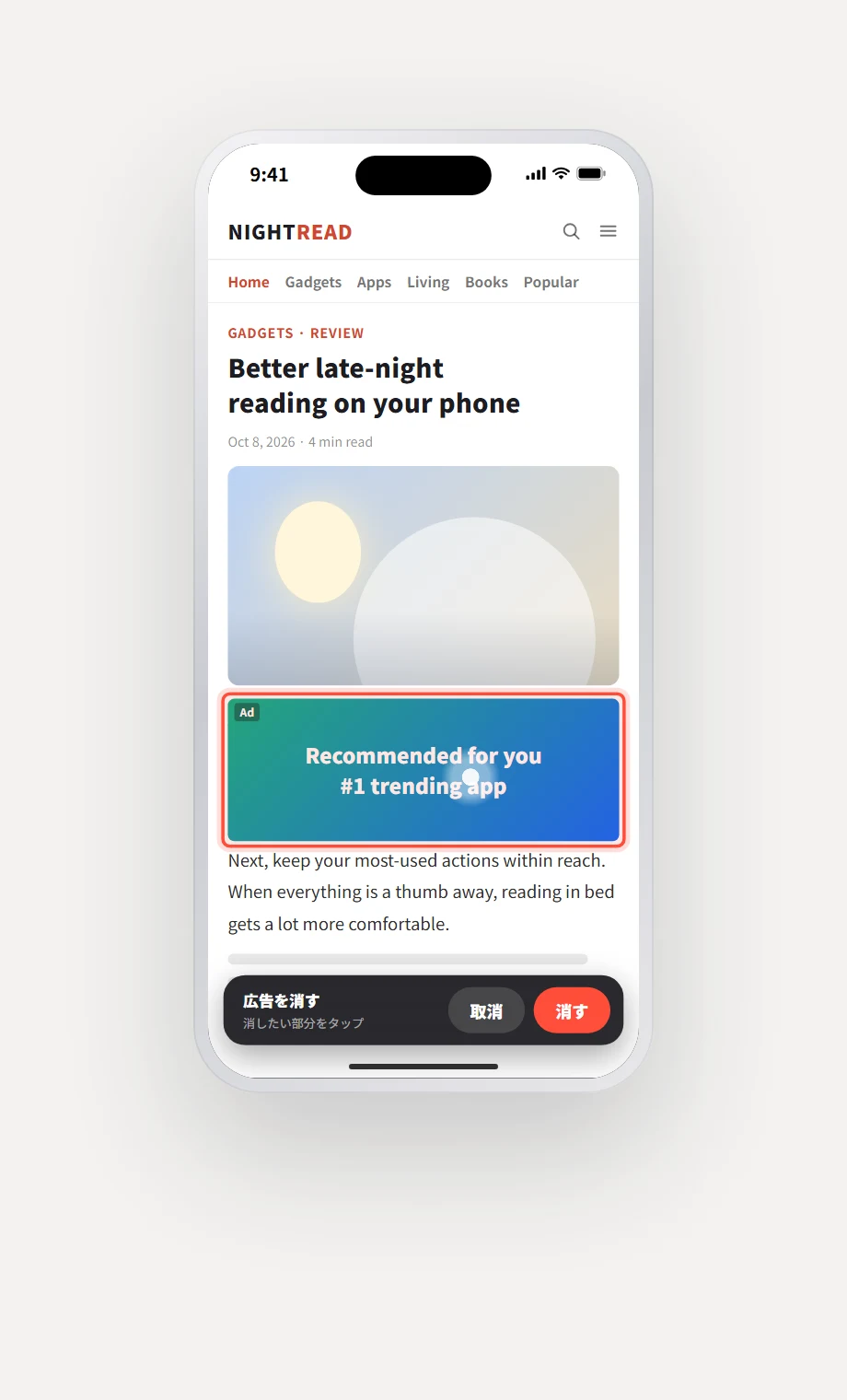
残った広告をタップで選んで消す画面 Selecting a leftover ad to remove it

03 — Tap to remove

しつこい広告も
タップで消える
Ads that slip through?
Tap. Gone.

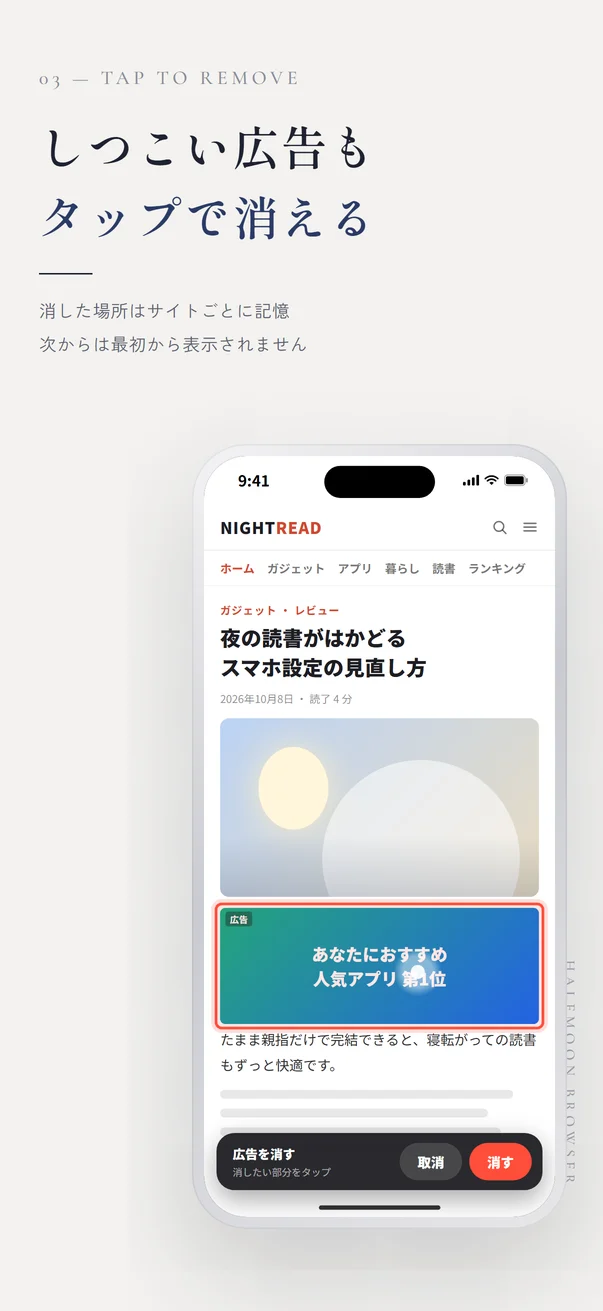
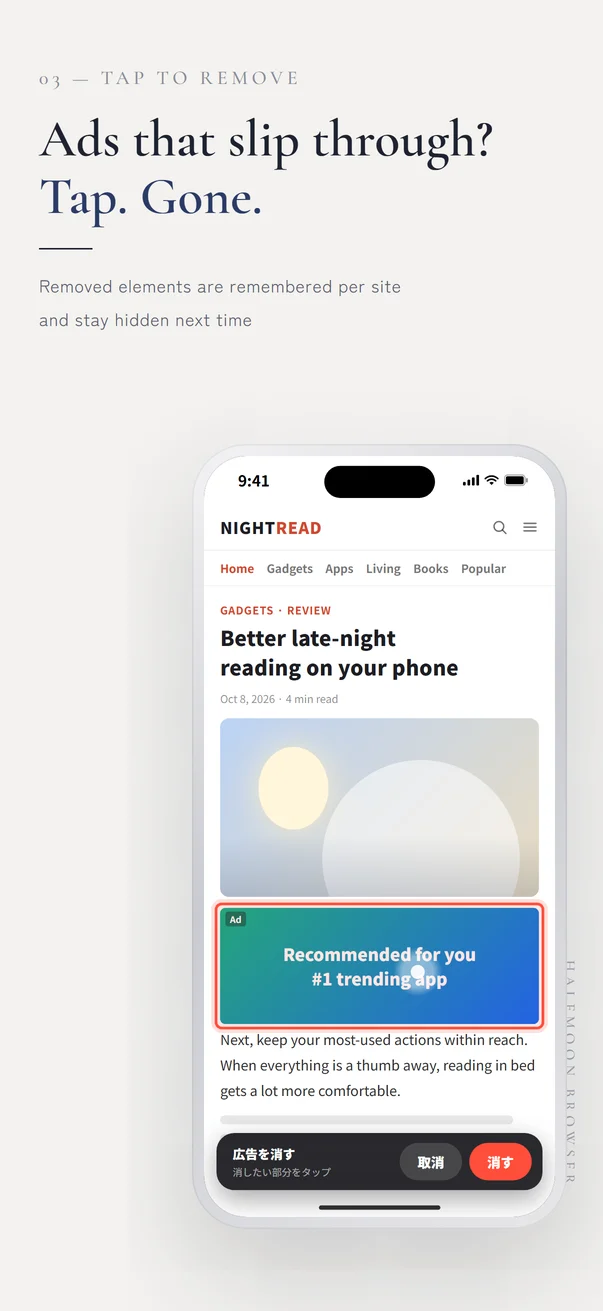
それでも残る広告は「広告を消す」で指定するだけ。消した場所はサイトごとに記憶され、次からは最初から表示されません。If an ad still gets through, point at it with Remove Ads. HalfMoon remembers it for that site, so it stays hidden next time.

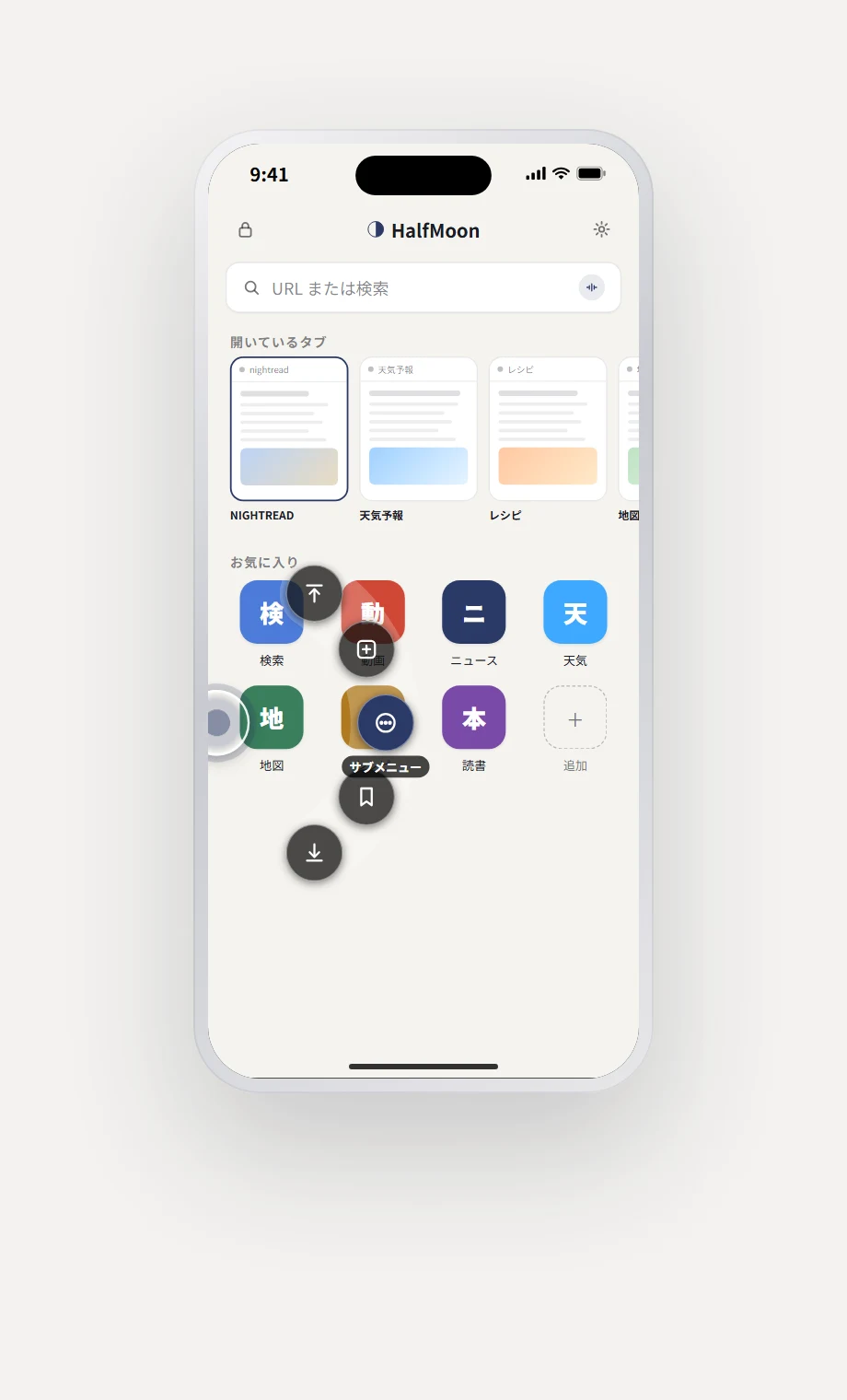
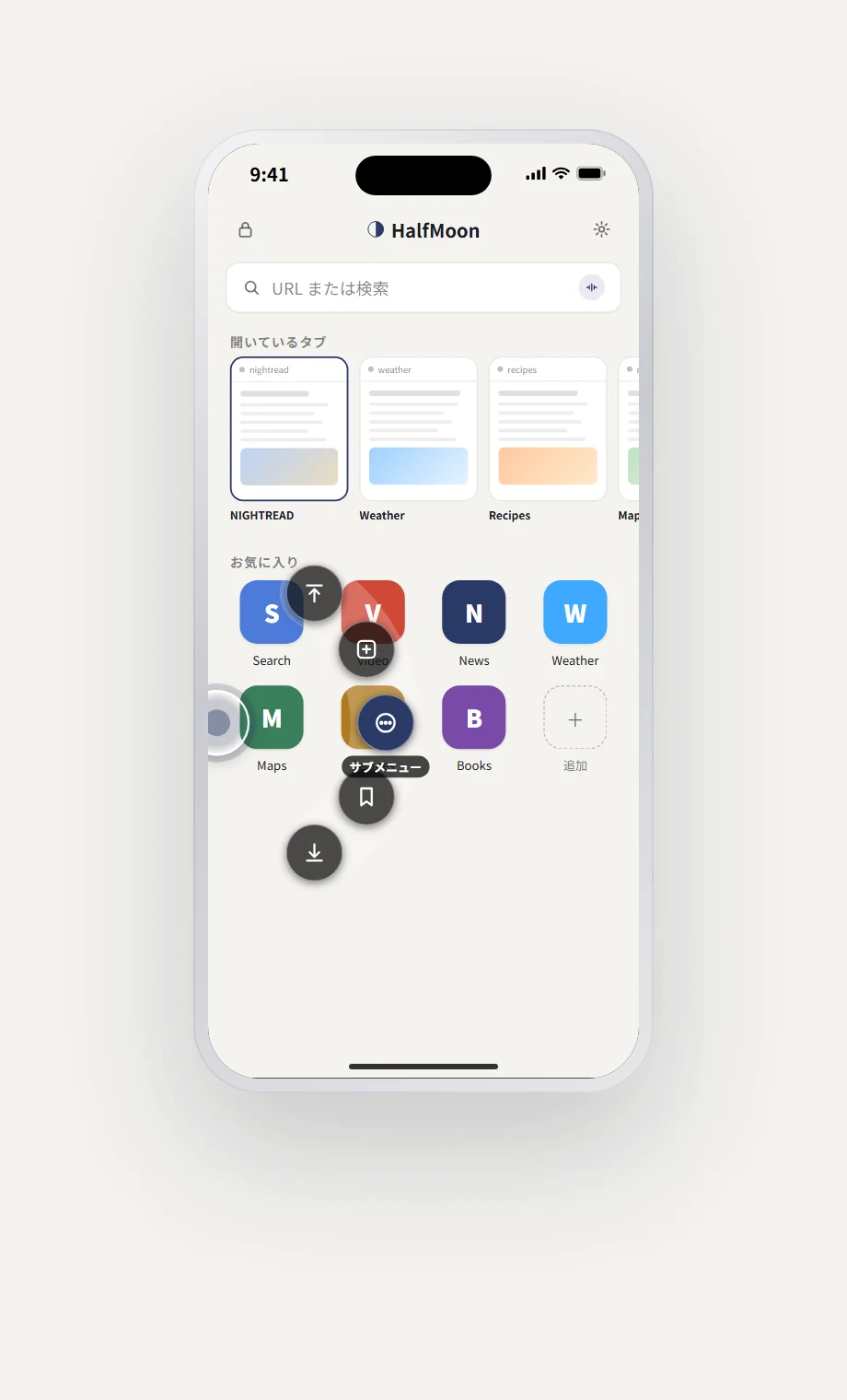
スタートページで左のダイヤルを開いた画面 The left dial opened on the start page

04 — Custom dial

いつもの操作を
親指の真下に
Your go-to actions,
right under your thumb.

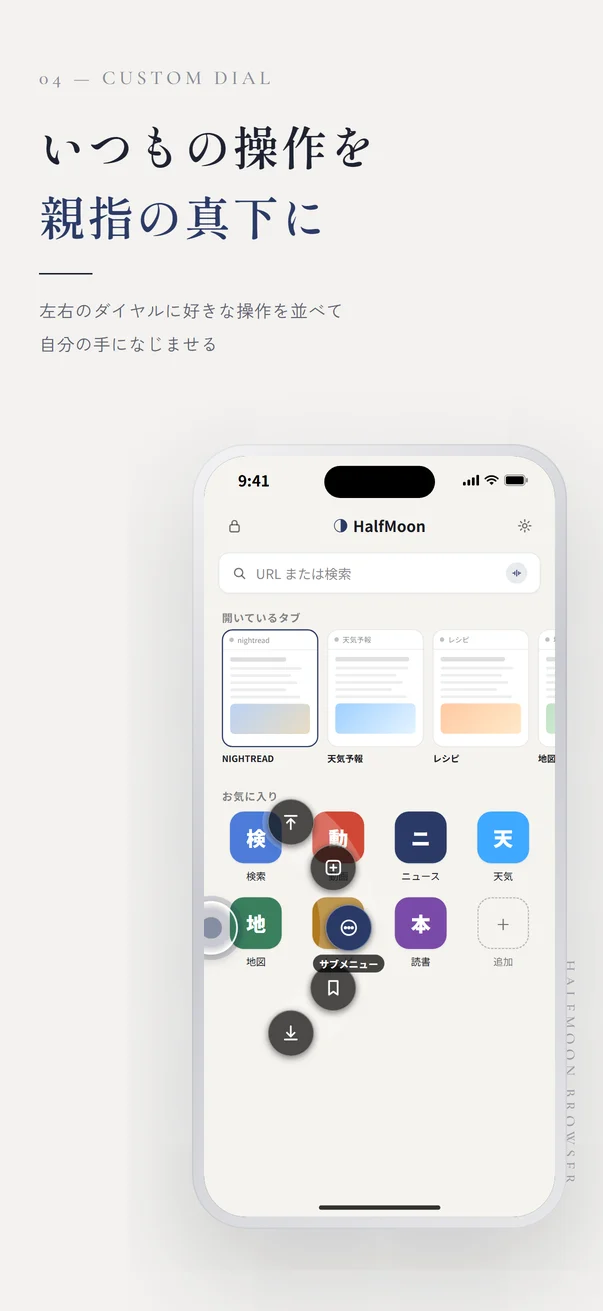
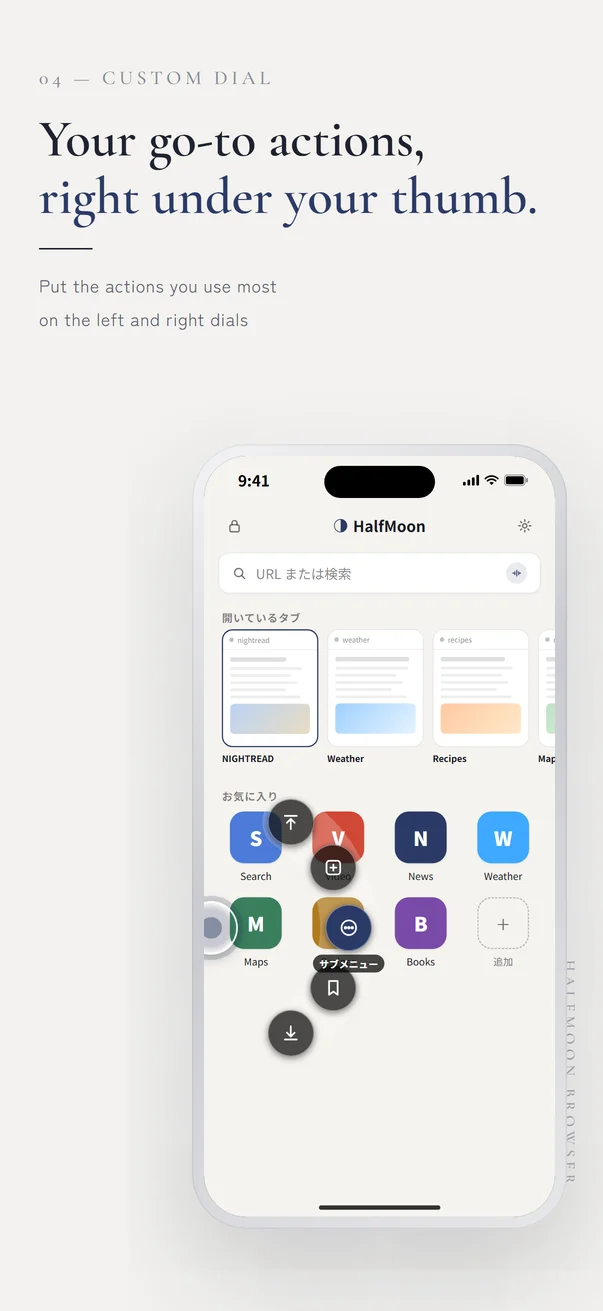
ダイヤルに置く操作も、その並び順も自由に変えられます。よく使うものだけを置けば、迷わず手が届きます。Choose which actions go on each dial and in what order. Keep only the ones you use, and they're always where your thumb expects them.

  • 左右とサブメニューに各 6 項目(Pro は各 12 項目)Six actions per dial and submenu (twelve with Pro)
  • ダイヤルの大きさは 0.8〜1.8 倍で調整できますScale the dial from 0.8× to 1.8×
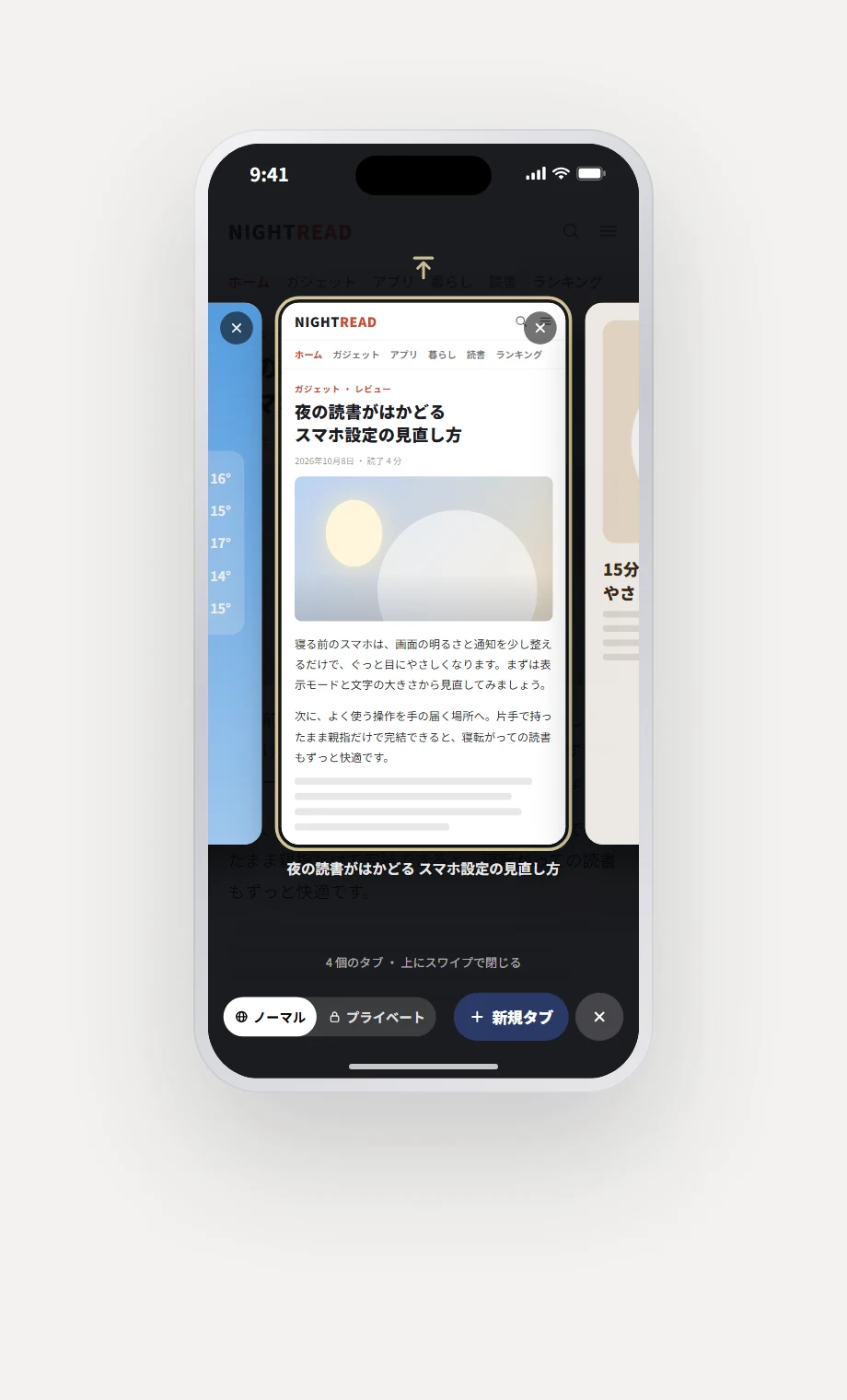
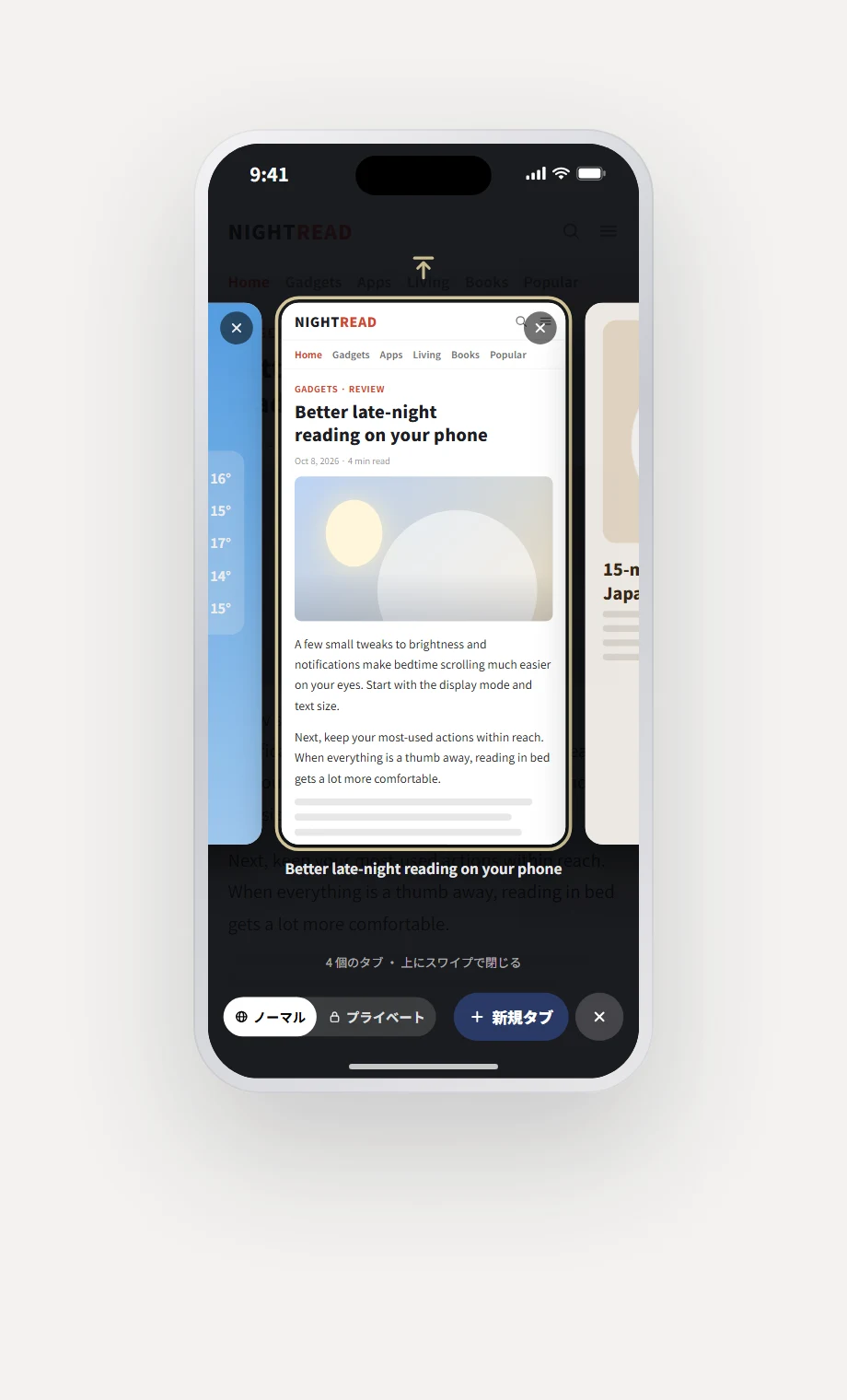
横に並んだタブの一覧 Tabs laid out side by side

05 — Tab shelf

タブの切り替えも
スワイプひとつ
Switch tabs
with a single swipe.

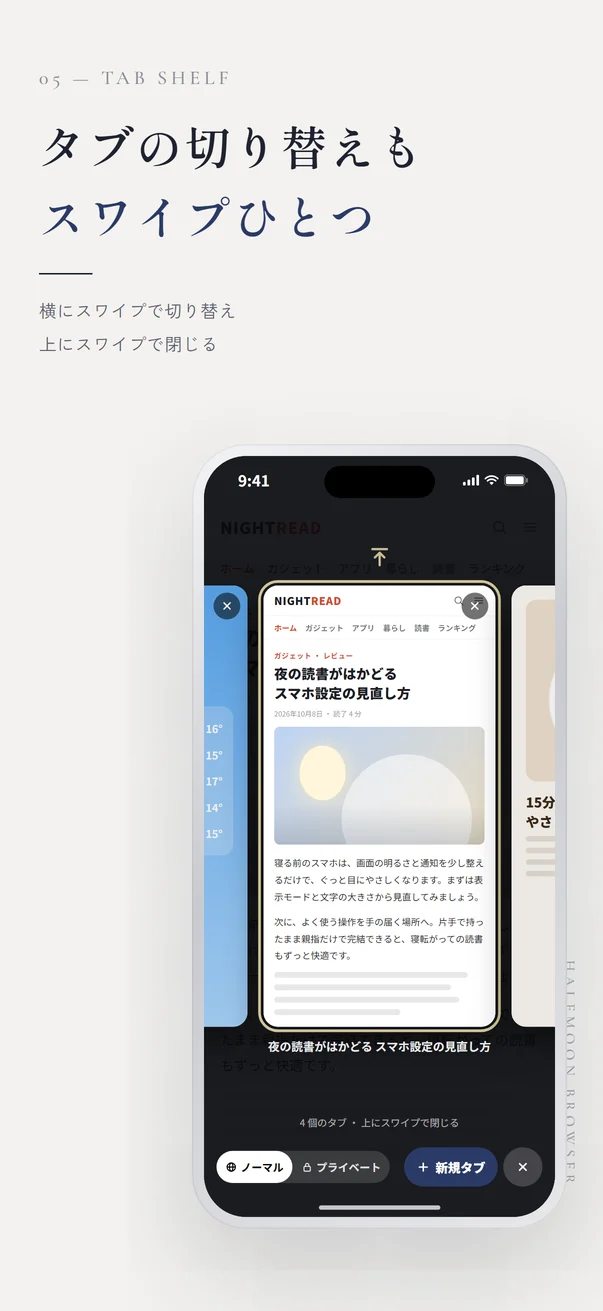
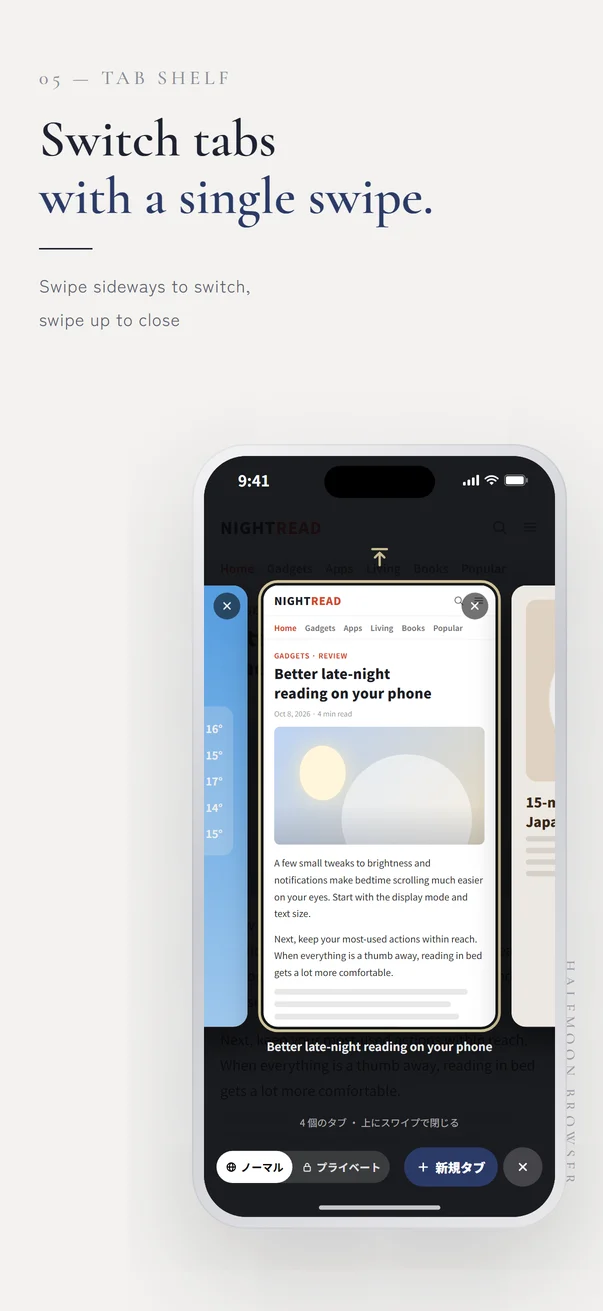
開いているタブは大きなカードで横に並びます。横にスワイプして切り替え、上にスワイプして閉じる。ボタンは画面の下にまとまっています。Open tabs line up as large cards. Swipe sideways to switch and swipe up to close, with every button at the bottom of the screen.

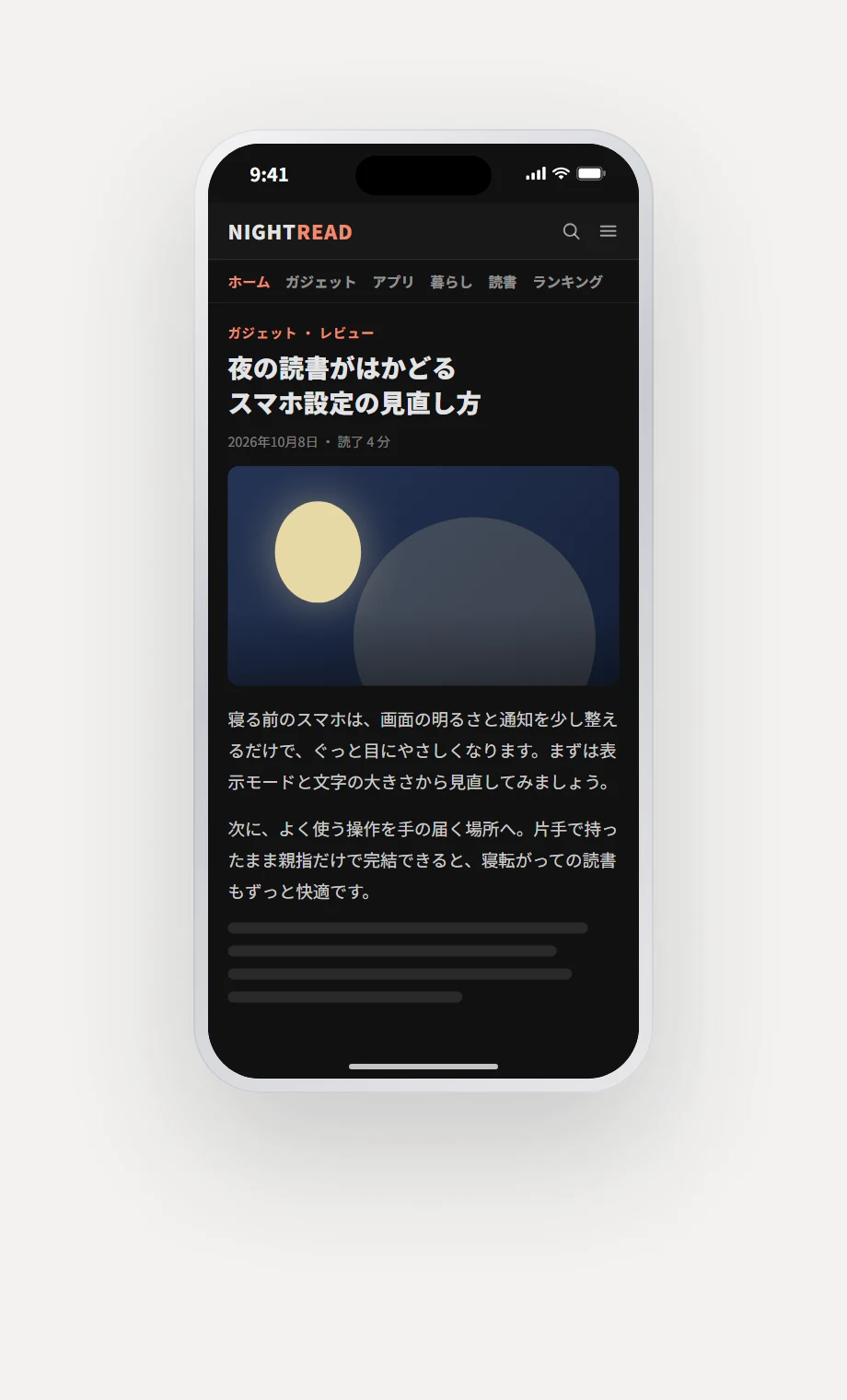
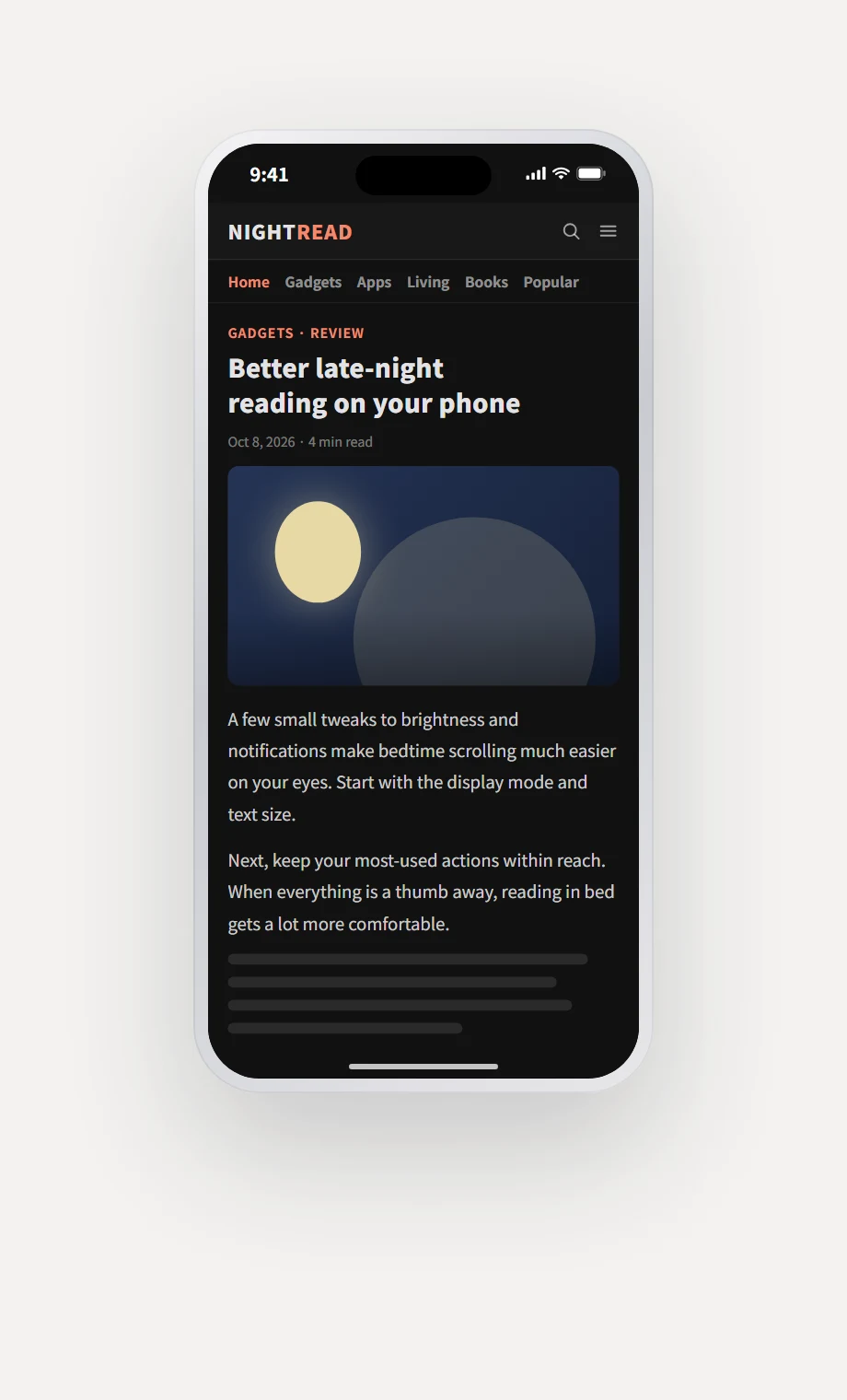
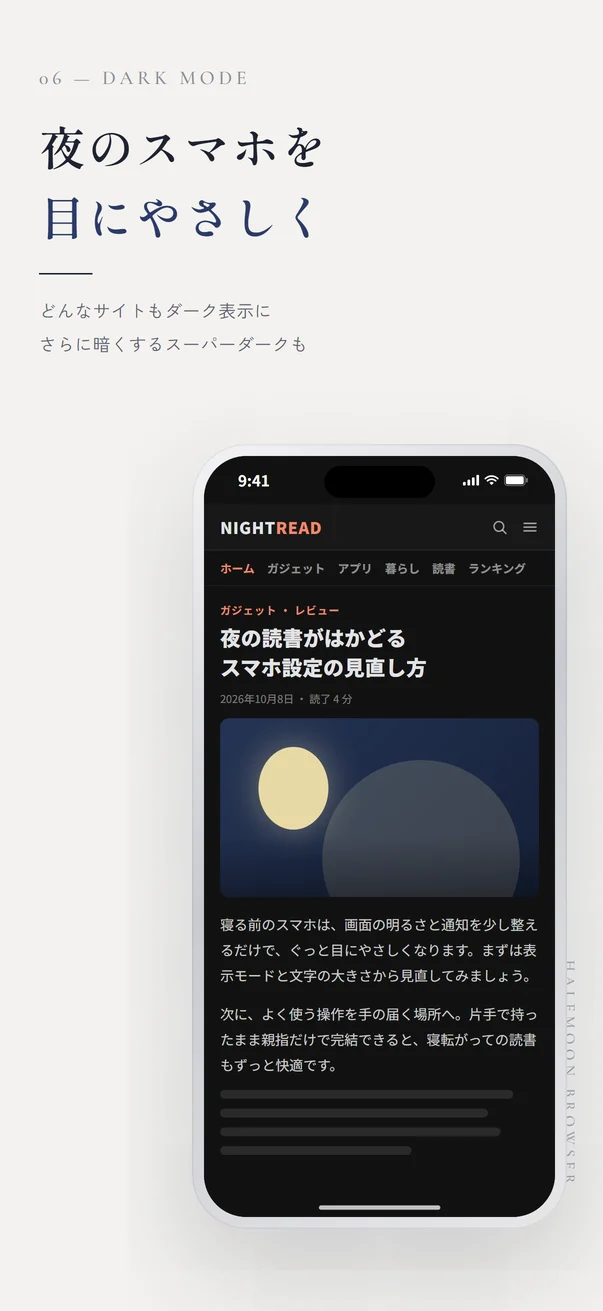
ダーク表示にした記事ページ An article shown in dark mode

06 — Dark mode

夜のスマホを
目にやさしく
Easy on your eyes,
all night long.

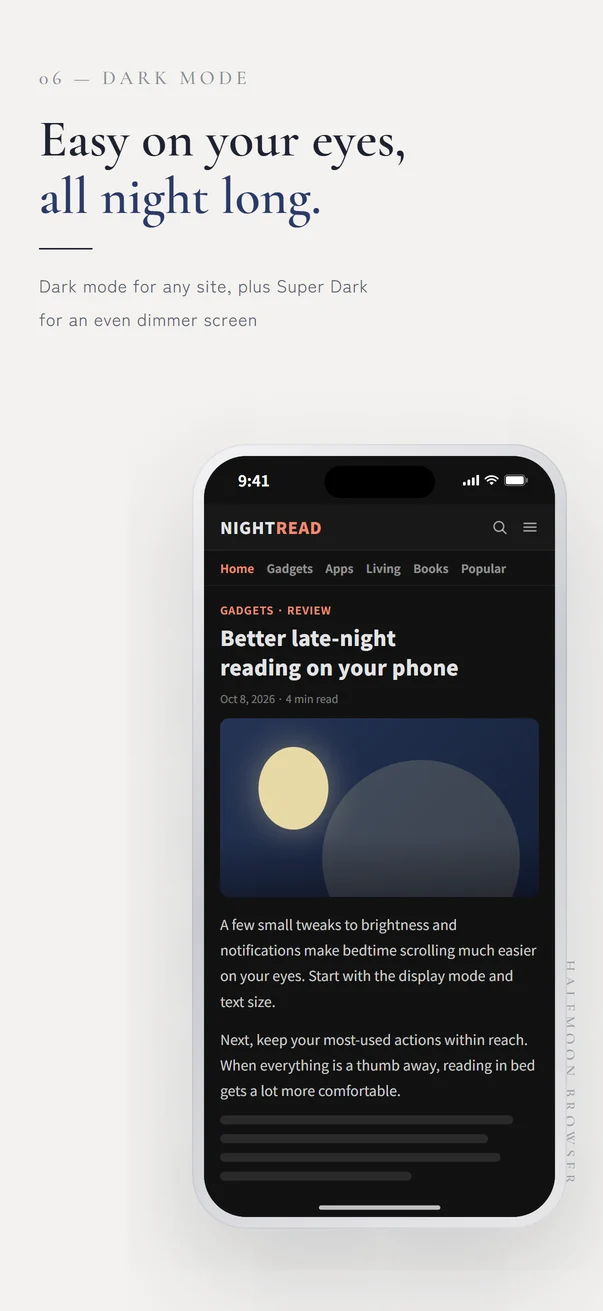
ダーク表示に対応していないサイトも、暗い配色に作り替えて表示します。写真や画像は元の色のまま。さらに画面を暗くするスーパーダークも使えます。Sites without a dark theme are recolored for the night, while photos and images keep their original colors. Super Dark dims the screen even further.

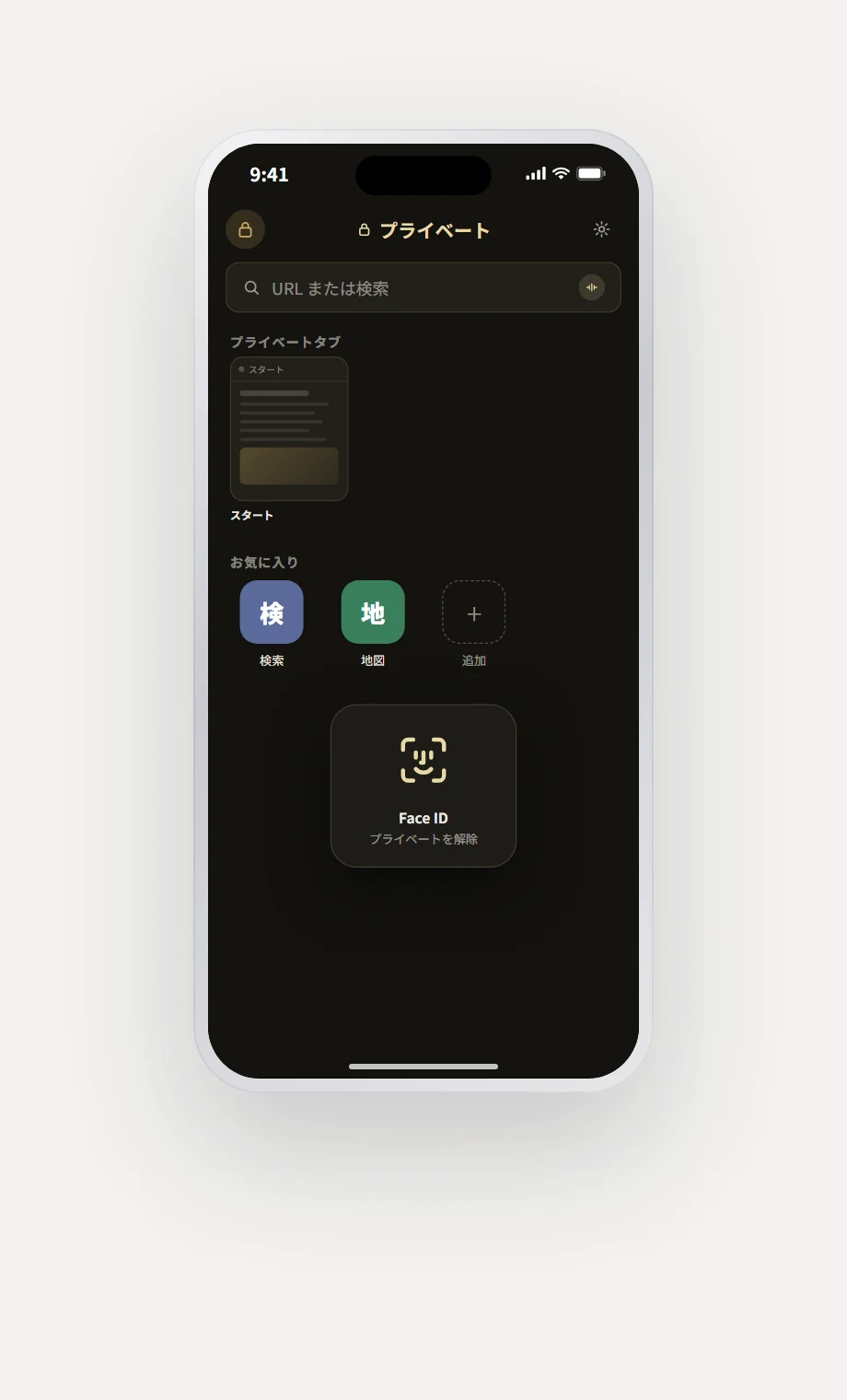
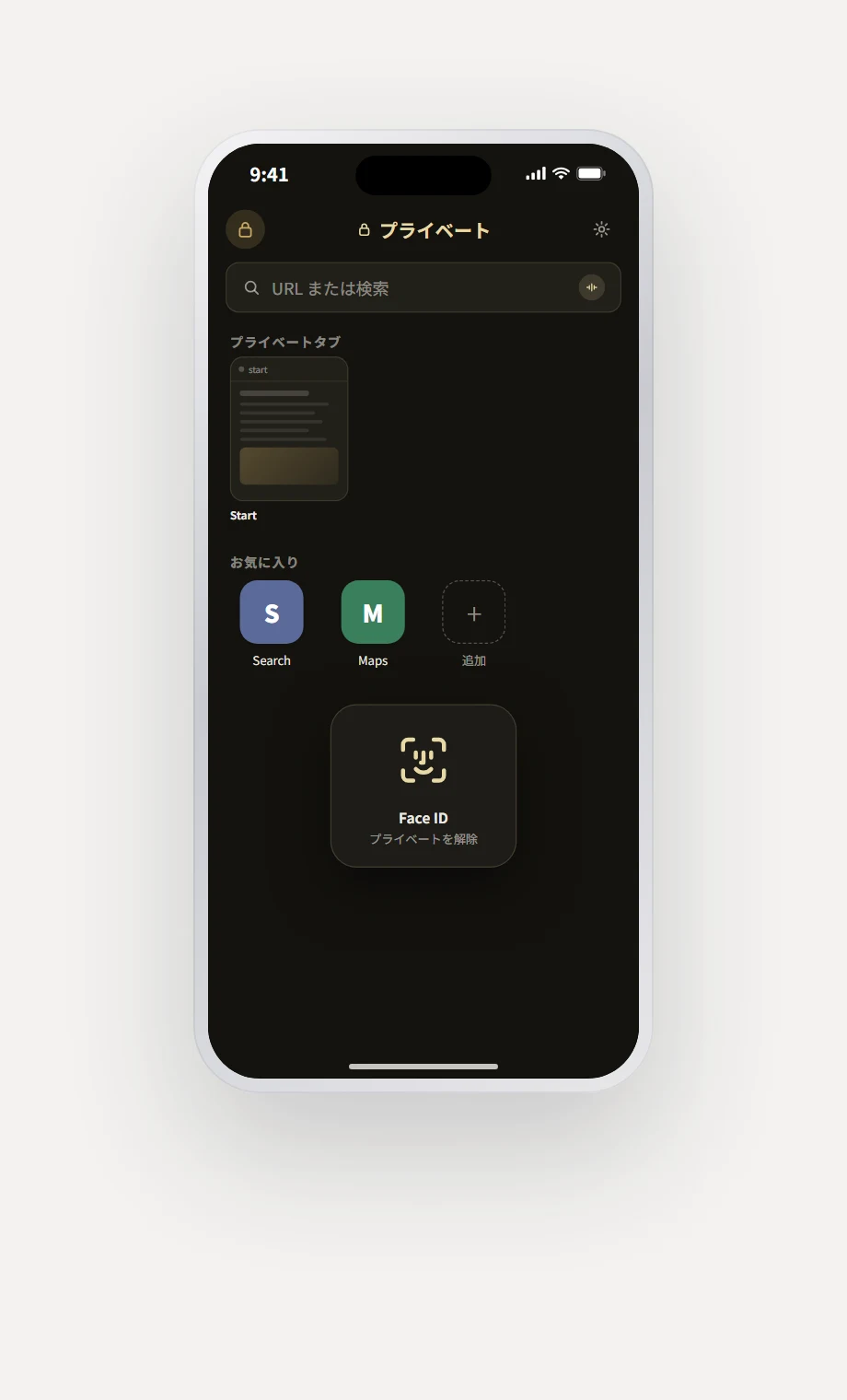
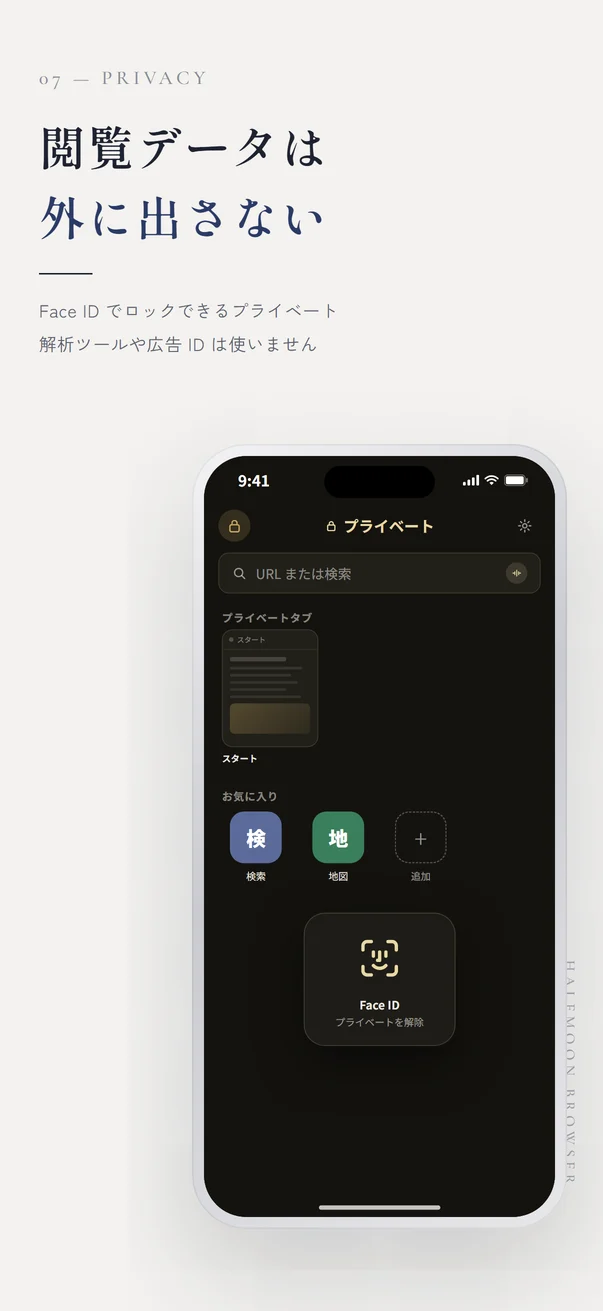
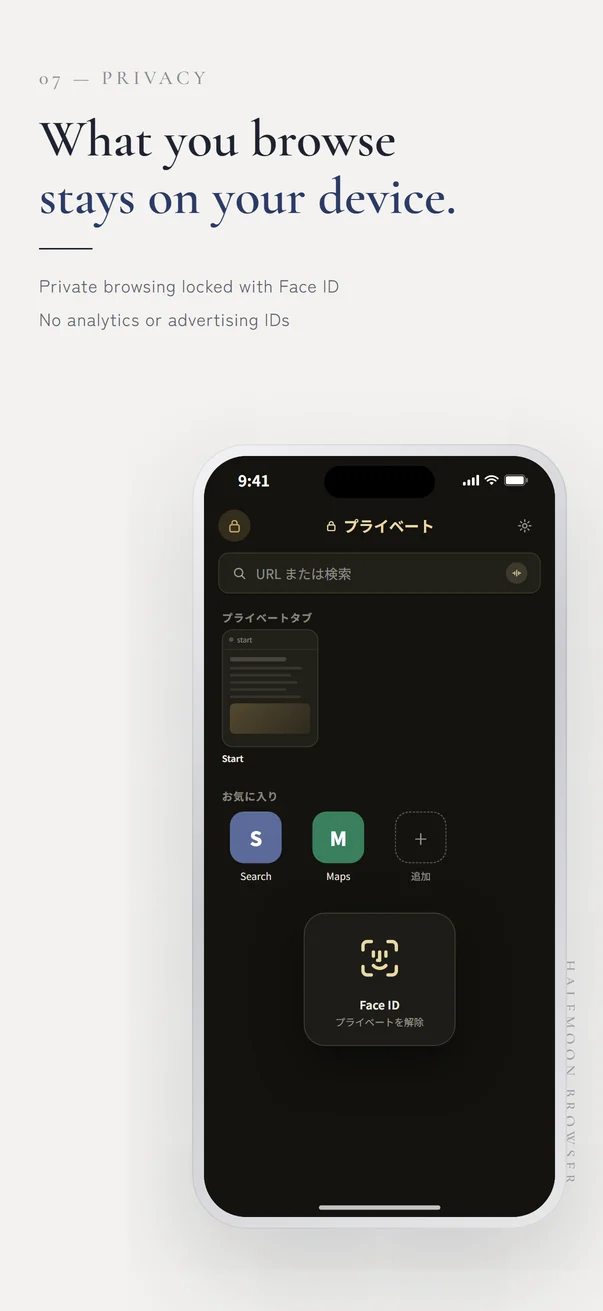
Face ID でロックしたプライベートモード Private mode locked with Face ID

07 — Privacy

閲覧データは
外に出さない
What you browse
stays on your device.

プライベートモードは Face ID / Touch ID でロックでき、履歴を残しません。解析ツールや広告 ID は使わず、閲覧データを当方のサーバーへ送ることもありません。Private mode locks with Face ID or Touch ID and keeps no history. HalfMoon uses no analytics tools or advertising IDs, and never sends your browsing data to our servers.

プライバシーポリシーを読むRead the privacy policy

User guide

はじめての方へ
使い方マニュアル
New to HalfMoon?
Read the guide.

ダイヤルの呼び出し方から、広告ブロックの設定、ダーク表示やプライベートモードまで、画面つきで説明しています。From opening the dial to ad-blocking settings, dark mode and private mode, the guide walks through each feature with screenshots. (Japanese)

Product info

タイトルTitleHalfMoon Browser
カテゴリCategoryユーティリティ(Web ブラウザ)Utilities (web browser)
対応環境RequirementsiOS / iPadOS 16.0+
価格Price無料(Pro はアプリ内課金・買い切り)Free (Pro is a one-time in-app purchase)
バージョンVersionv1.3.1
開発DeveloperR-each
マニュアルUser guider-each0801.github.io/HalfMoonBrowser_site
App Storeapps.apple.com/jp/app/halfmoon-browser

今日から
親指ひとつで
Start today,
with one thumb.